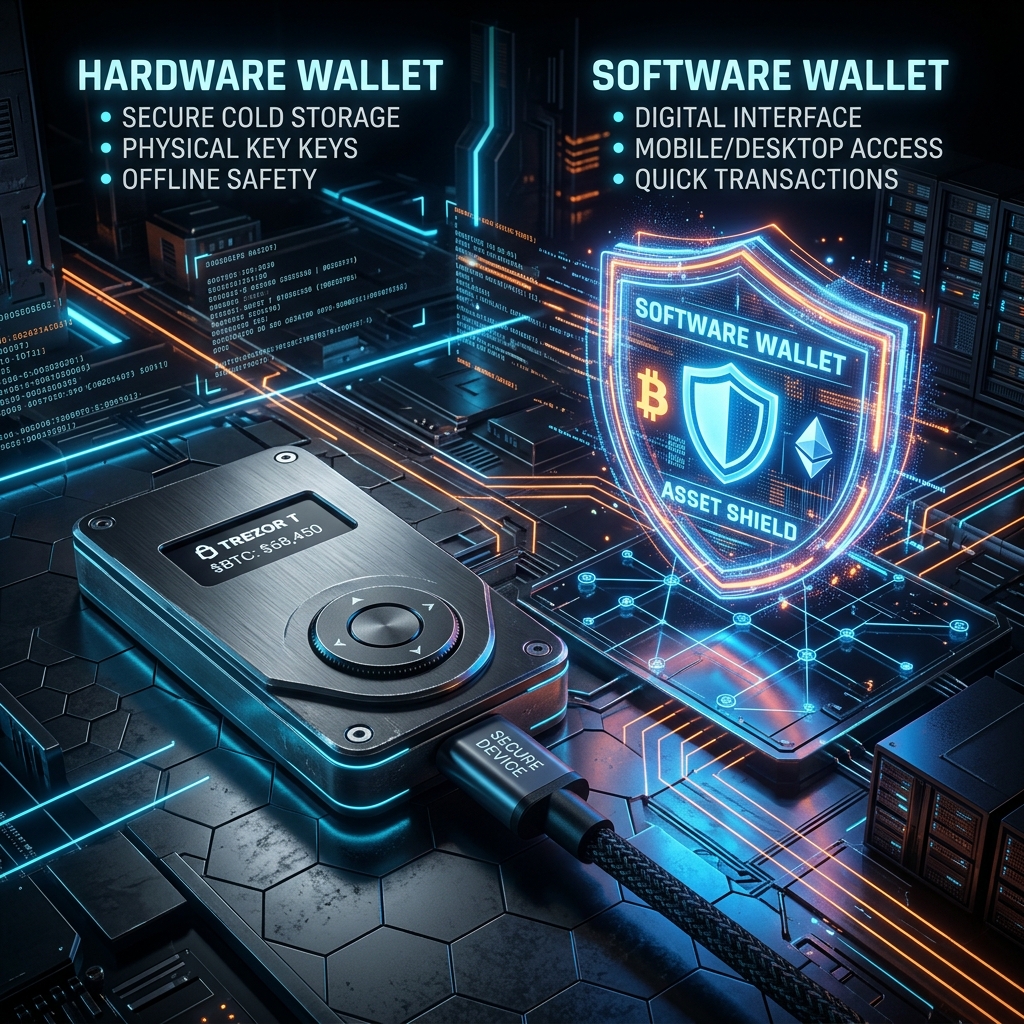
As cryptocurrency markets scale and Web3 applications integrate deeper into global commerce, the question of asset security has evolved. Storing digital wealth is no longer just about memorizing a password; it requires managing complex cryptographic key infrastructures. For anyone actively trading or holding tokens, the fundamental choice comes down to a battle of architectures: Hardware Wallet vs Software Wallet.
Each system is built on opposing trade-offs between convenience and vulnerability. In this comprehensive analysis, we will tear down the security frameworks of both cold hardware storage and hot software interfaces, explore the real-world attack vectors targeting each in 2026, and explain why both architectures share a critical vulnerability in the DeFi ecosystem that requires complementary platform-level monitoring.
1. The Architecture of a Software Wallet (Hot Storage)
A software wallet (often called a “hot wallet”) is a digital application that resides on an internet-connected device, such as a desktop computer, a smartphone, or a browser extension. Common examples include MetaMask, Rabby, Phantom, and Trust Wallet.
Cryptographic Storage:
Unlike traditional bank applications that retrieve balances from a corporate server, a crypto wallet must store your private keys locally to sign on-chain transactions. In a software wallet, your private keys or seed phrase are encrypted using a password you choose and then saved within the device’s local application folder or browser storage partition (such as IndexDB or local storage).
The Attack Surface of Hot Environments:
Because the host device (your PC or phone) is connected to the internet, the software wallet is exposed to several critical threat vectors:
- Memory Extraction Malware: Sophisticated spyware can inspect the memory space (RAM) of your browser or operating system. When you unlock your wallet, the decrypted private key briefly resides in memory, where advanced trojans can dump it and exfiltrate it to remote servers.
- Clipboard Hijacking: Specialized clipboard drainers monitor your copy-paste history. If you copy a destination address or attempt to back up a seed phrase, the malware instantly swaps the recipient’s address in the clipboard for the attacker’s, tricking you into sending funds to the wrong address.
- Operating System Zero-Days: If your underlying OS (Windows, macOS, Android) suffers from an unpatched browser exploit or remote code execution vulnerability, an attacker can bypass application sandboxing entirely and read raw application data directory files.
2. The Architecture of a Hardware Wallet (Cold Storage)
A hardware wallet (commonly called “cold storage”) is a dedicated physical device engineered solely to manage cryptographic keys. Major models include Ledger, Trezor, Keystone, and GridPlus. The central design principle is simple: your private keys must never touch an internet-connected computer or operating system.
The Secure Element (SE):
Premium hardware wallets utilize specialized microchips called Secure Elements (graded EAL5+ or EAL6+), similar to those used in credit cards, passports, and secure military communication modules. These chips are physically designed to resist micro-probing, power-analysis attacks, and physical tampering. Even if you connect the device to a malware-infected computer, the PC can only request a signature; it can never request the private key itself.
Physical On-Screen Verification:
The secondary guardrail of a hardware wallet is its independent screen and physical buttons. When a transaction payload is sent to the device, the hardware’s internal firmware parses the raw data and displays the destination address and gas fees on its physical screen. Because this screen is powered directly by the Secure Element and not your PC, it cannot be spoofed by computer-based malware. The transaction is only signed when you physically press the physical buttons on the device.
The Cold Storage Rule: In cold storage, the signing key is physically isolated. If your computer is fully compromised by a hacker, they can modify the UI of your browser, but they cannot force your hardware wallet to sign a transaction without your physical button confirmation.
3. Threat Model Comparison: Hardware vs. Software
To understand the practical trade-offs, we must analyze how each wallet type handles various real-world security scenarios in the table below:
| Threat Vector | Software Wallet (Hot) | Hardware Wallet (Cold) |
|---|---|---|
| Remote Hacking / Malware | High Risk. Keyloggers or memory scrapers can steal keys. | Protected. Keys are physically isolated on the Secure Element. |
| Physical Theft of Device | Medium Risk. Depends on device lock screen strength. | Protected. PIN locks and cryptographic wipe limits block access. |
| Phishing Web3 Sites | High Risk. Easy to sign a malicious contract call. | High Risk. User can still manually sign a malicious transaction. |
| Cost & Setup Latency | Free, instant setup, low signing latency (<1s). | Costly ($70-$200+), manual button confirmations required. |
4. The Shared Vulnerability: The DeFi Smart Contract Approval Trap
There is a critical misconception in the crypto space: “I use a hardware wallet, so my assets are completely safe from hackers.” This is dangerously false in modern DeFi environments.
Historically, hackers stole crypto by acquiring seed phrases. Today, they leverage Smart Contract Approvals. When you interact with decentralized exchanges (DEXs), lending pools, or NFT marketplaces, the smart contract requests approval to move your tokens. This is standard ERC-20 / ERC-721 functionality (using functions like approve() and setApprovalForAll()).
How the Trap Works:
If you visit a phishing site or click a malicious link that spoofs a DeFi protocol, the dApp will generate a transaction request asking for “Unlimited Approval” to spend your USDT or NFTs. If you approve this request—even if you sign it using a physical hardware wallet—you have legally authorized that smart contract address to withdraw tokens from your wallet on-chain at any time in the future.
Once signed, the attacker does not need your private keys, your hardware wallet, or your computer to empty your balance. They simply call the contract’s transfer function directly from the blockchain node, and the ledger processes it because your signature previously authorized it.
Defending Against Approval Exploits with XTSG:
Because hardware isolation cannot protect you from signing a bad transaction approval, you must employ additional layers of defense:
- Active Approval Audits: Use the **XTSG Smart Contract Approval Revocation Tool** regularly. This tool inspects your on-chain registry, lists all active spend authorizations, and lets you immediately reset or revoke old allowances.
- Real-Time Threat Dashboard: The XTSG threat intelligence dashboard monitors smart contracts for sudden code mutations or blacklisted ownership transfers. If a protocol you are approved to gets exploited, the dashboard alerts you immediately so you can revoke permissions before the drainer scripts execute.
5. Making Your Decision: Which System to Choose?
To build an optimal custody strategy, match your wallet setup to your activity profile:
The Active Trader / DApp User Profile
If you execute daily swaps, trade memecoins, or mint NFTs, running all interactions through a hardware wallet is cumbersome and slow. Instead, use a **Hybrid Setup**:
- Maintain a **Hot Software Wallet** containing only your active trading capital. This limits your exposure if you make a mistake on a dApp.
- Store 90% of your long-term capital in an isolated **Cold Hardware Wallet** that never connects to speculative smart contracts.
The Long-Term Holder Profile
If your strategy is strictly buying and holding (HODLing) assets like BTC or ETH, a **Hardware Wallet** is the only logical choice. Keep the device locked, keep your seed phrase backed up on steel sheets, and avoid connecting it to any browser extensions.
Conclusion: Cold Storage is the Foundation, Security Hygiene is the Shield
In the Hardware Wallet vs Software Wallet comparison, hardware wallets are undeniably safer for storing keys. However, the ultimate security baseline is your own signing hygiene. A hardware wallet is a lock on your door, but it cannot prevent you from opening the door and handing your assets to an intruder. Combine physical cold storage with active on-chain protection tools like XTSG’s approval revoker, and you will achieve a full-stack, institutional-grade security posture in 2026.
Frequently Asked Questions (FAQ)
Can a hardware wallet be hacked if plugged into an infected PC?
No. The private key never leaves the secure chip. The infected PC can send a transaction request, but the device’s firmware will force you to review the destination address on the physical screen. If the PC malware has modified the address, you will see the mismatch on the device screen and can reject the transaction.
What happens if I lose my physical hardware wallet?
Your crypto is not stored on the physical device; it resides on the blockchain ledger. The device is simply a tool to access your keys. If you lose the device, you can purchase a new one (or use a software wallet) and enter your 12-or-24-word backup seed phrase to fully restore all your balances.
How often should I revoke token approvals?
It is recommended to run an approval audit using XTSG’s tools at least once a month, or immediately after interacting with a new, unverified DeFi platform. Any unlimited approvals for platforms you no longer use should be revoked immediately.
Leave a Reply